Hiring someone to build a website: what to check
Having a website built is more than getting a few screens designed: from the domain to where form messages land, it involves decisions that are hard to change later. Below are the things to check before and during the work, with examples from projects I've built.
First, settle what the site is for
“We need a website” is not a goal. What will the site do: collect enquiries, introduce the company to investors, sell products, present a catalogue? The answer shapes the page structure, the design and the budget.
A residential project's launch site, for example, has one job: to get enquiries from interested buyers. That is why A'lâ Çekmeköy Nefes is a single long page; the project unfolds like a film as you scroll and the enquiry form is always at hand. A company with several services is better served by a corporate site where each service has its own page.
How to choose who you work with
Before comparing prices, check:
- Live work: open the portfolio sites on your phone; a site that loads slowly or breaks on a phone suggests yours might too.
- A similar need: have they solved a problem like yours before (a launch, a corporate introduction, a multilingual catalogue)?
- Who does the work: who designs and who codes; if the work is passed to someone else, know it from the start.
- Process: is it clear how the work will run, when interim deliveries come and who you'll talk to?
Who owns the domain, hosting and code?
One of the most common problems: when the relationship ends, the domain or the site stays in someone else's account. Settle it at the start:
- The domain should be registered in your name, with the access details in your hands.
- Where the site is hosted and whose account it is should be written down.
- For a custom-coded site, the proposal should say whether the source code is handed over.
- If there is a content panel, you should get the login.
Who prepares the content?
What stretches a website's timeline most is usually not design or code but content: copy, photos, renders, videos, logos. Who prepares what, and by when, should be clear from the start.
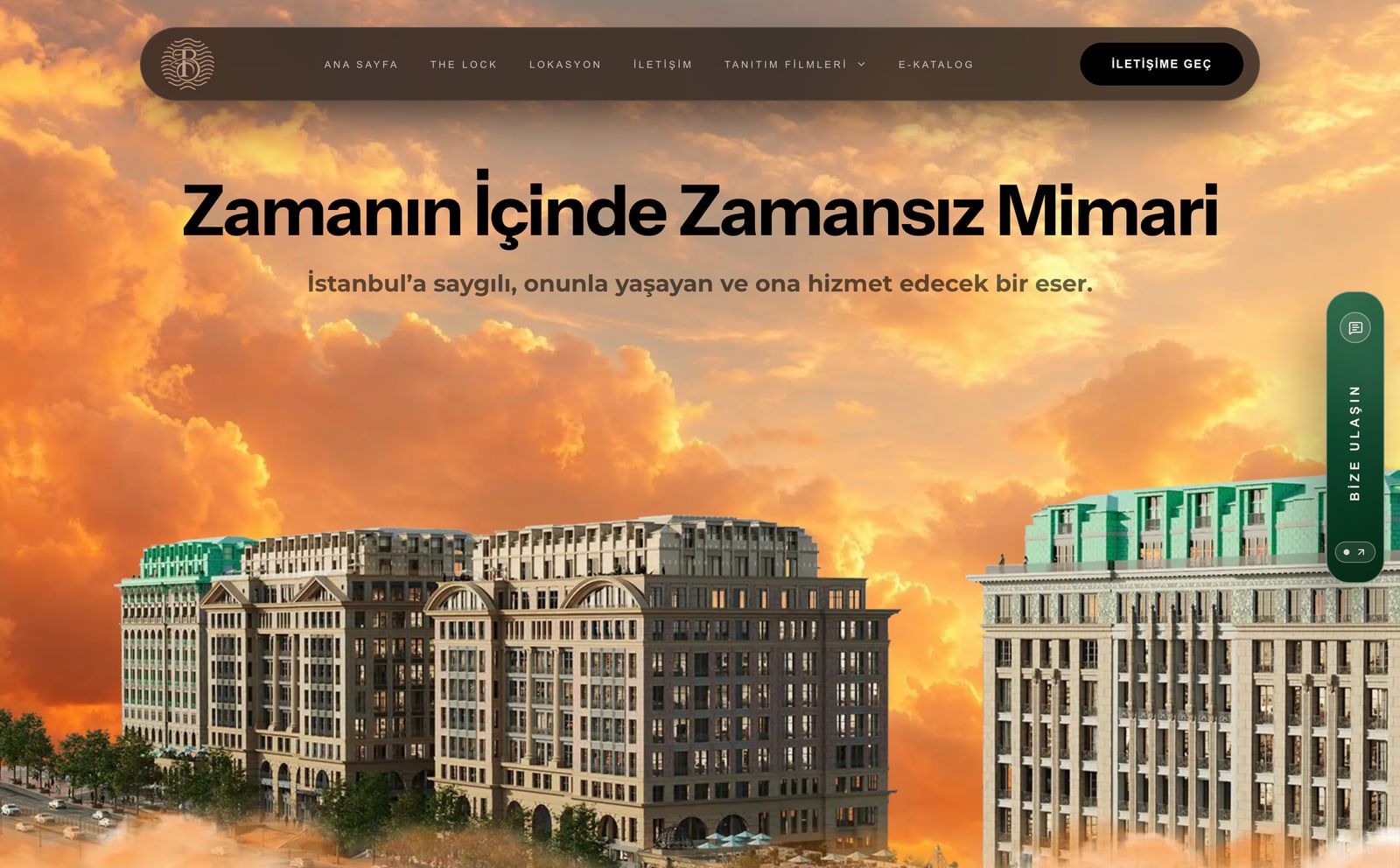
Real imagery always beats stock photos. The Lock Adres Barbarossa's site was built on the project's own films and e-catalogue; the site's tone came from that material.
A theme or a custom design?
A theme is fast and usually cheaper, but the brand bends to the theme. A custom design builds the site around the brand. Either can be right; what matters is choosing for the need.
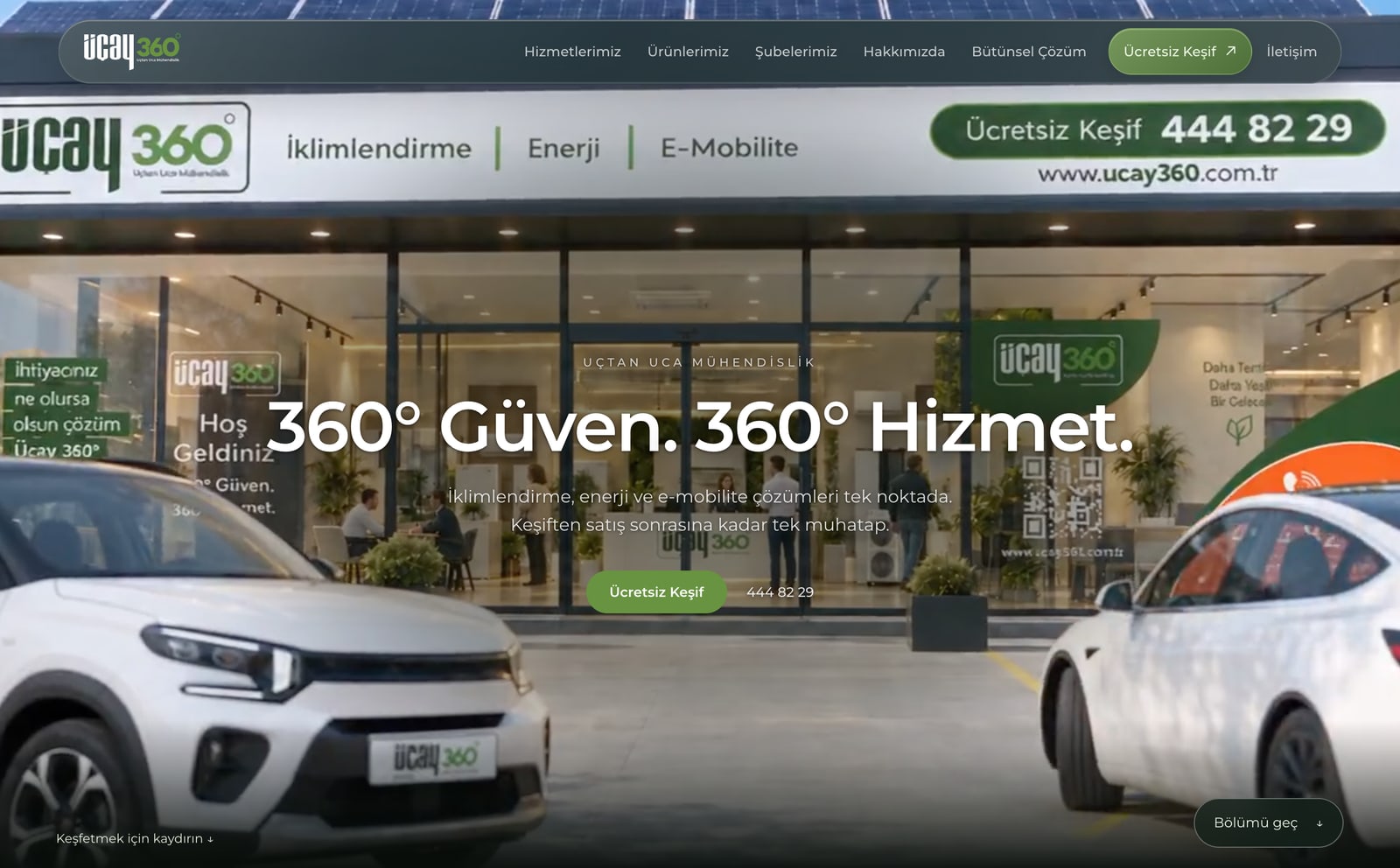
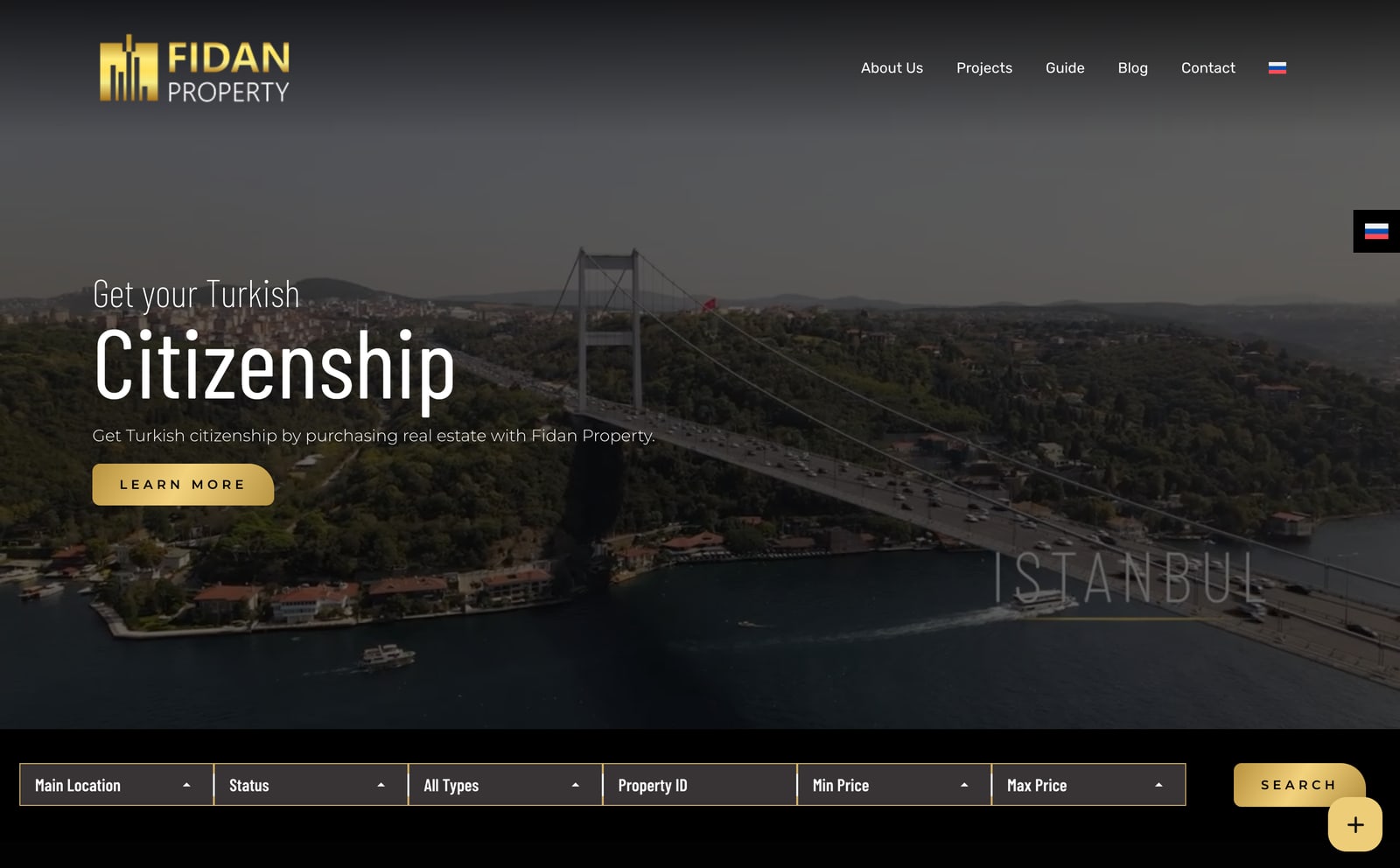
Fidan Property was built with WordPress and Elementor: the content of a multilingual portfolio filtered by location, status, type and price had to be easy to update from a panel. Üçay 360 was custom-coded because it wanted a cinematic story that plays as you scroll. I cover the price differences in the website cost guide.
Speed on a phone, and trying it yourself
Most visitors arrive on a phone. If the design was approved on a desktop and never tried on a phone, the first impression is lost there.
At each interim delivery, open the site on your own phone over mobile data. Videos, large images and animation carry the site's character, but they need preparing for phones separately.
Plan for search from the start
SEO isn't added after launch; it starts with how the site is built. Ask:
- Will each page have its own title and description?
- Is the text on the page, not inside images or animation?
- Will a sitemap and Google Search Console be set up?
- If there is an old site, will its addresses redirect to the new ones?
- If there are several languages, will each have its own address?
Forms, privacy and where messages go
If a customer's message lands in an inbox nobody checks, all the work on the site is wasted. Which email receives messages and who answers should be settled before launch.
Any form that collects personal data needs a privacy notice (KVKK in Türkiye, GDPR in the EU), plus a cookie notice if analytics or ad tools are used. Ask whether these are in place.
What the proposal should say
Verbal agreements get remembered differently as work goes on. What you'll want to see written down:
- The page list and the scope of each page
- How many rounds of revisions
- The timeline and interim deliveries
- What is handed over: design files, code, access details
- Recurring costs such as domain, hosting and licences
- How maintenance and updates work after launch
Checklist
Before the work starts, check:
- Does the site have a one-sentence job?
- Did you open the portfolio sites on your phone?
- Are the domain and hosting in your name?
- Is it clear who prepares the content?
- Were SEO and redirects from old addresses discussed?
- Is it clear where form messages go, and is there a privacy notice?
- Does the proposal state scope, revision rounds, timeline and deliverables?
Short answers
Whose name should the domain be registered in?
The company's or person who owns the site. Even if it sits in the designer's account, the registration and access should be yours; otherwise moving the site gets hard when the relationship ends.
How should I look at a designer's portfolio?
Look at live sites, not screenshots: open them on your phone, try the form, see how fast they load. Check whether the work solved a need similar to yours.
What must the proposal say?
The page list and scope, how many rounds of revisions, the timeline and interim deliveries, what is handed over (design files, code, access), post-launch maintenance and recurring costs such as domain and hosting.
Topics
- hire a web designer
- what to look for when hiring a web designer
- website proposal
- choosing a web design agency
- questions to ask a web designer
- getting a website built